
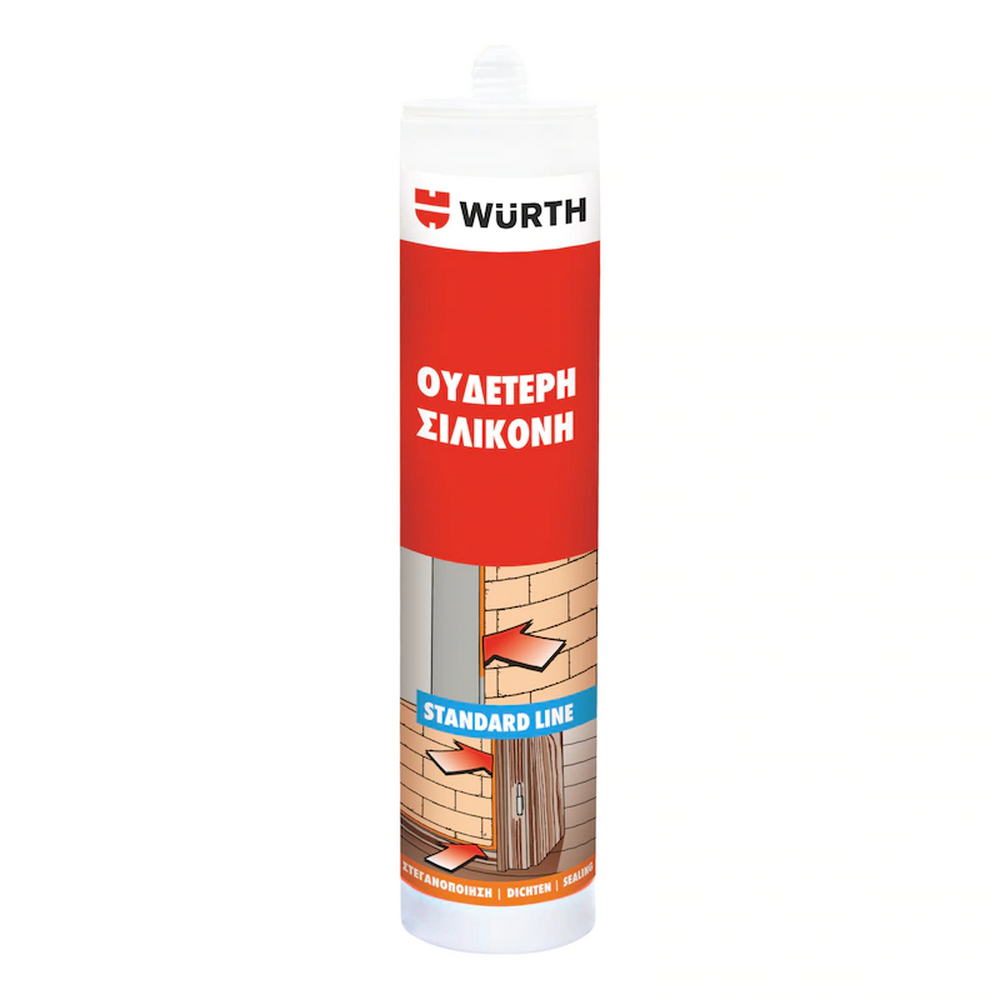
Silicone, Polyurethane or Acrylic: Which Sealant for Which Job?
The three materials look the same inside the cartridge but behave completely differently on the joint.

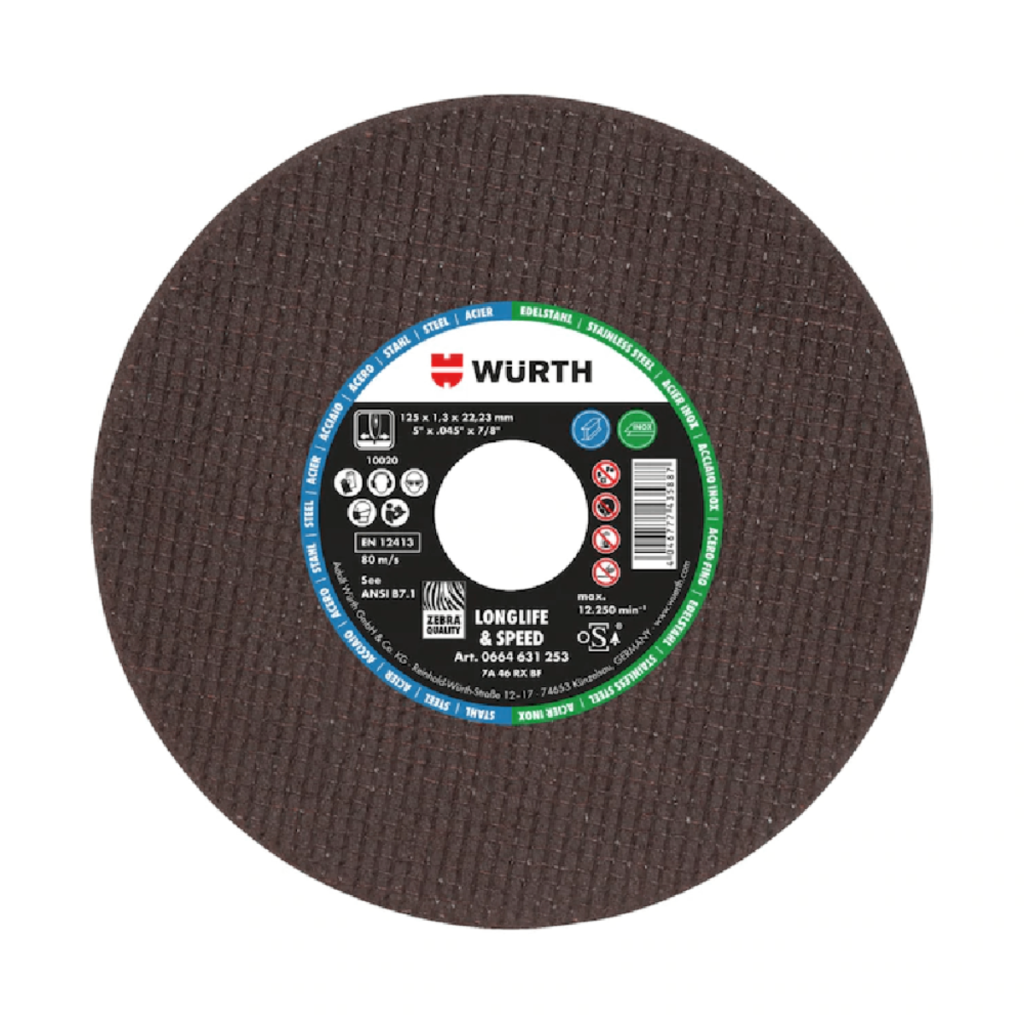
The label on the cutting disc is not just for decoration. Within a few centimetres of paper, you’ll find all the information you need: what material it cuts, how many revolutions it can withstand, how long you’re allowed to use it for, and what safety measures are required. Most people just look at the diameter and buy at random. Below, you’ll see what each number and letter means, so that you can choose a disc based on the job at hand rather than the colour of the packaging.
Before we go into the details, here are the four things you should always check: the dimensions, the maximum speed, the material the disc is intended for, and the expiry date. If these four factors are suitable for your tool and the job at hand, the rest are simply optimisation details.
The three figures are always read in the same order: outer diameter, thickness, bore diameter, all in millimetres.
The diameter must match your wheel. A Φ125 wheel can accommodate a 125-millimetre disc, but no larger, as the mudguard does not cover a larger diameter.
The thickness determines the nature of the cut. A thin 1-millimetre blade cuts quickly, removes less material and generates less heat, so the workpiece does not warp. A 2.5 or 3-millimetre blade is better suited to heavy-duty work and on-site use, at the cost of a slower cut.
The hole is almost always 22.23 millimetres, which is the standard for angle grinders. On the smaller discs measuring 50, 60 and 76 millimetres, which are used on pneumatic tools and mini-grinders, the hole is smaller.
Each disc has two speed ratings: the peripheral speed in metres per second, usually 80 m/s, and the maximum revolutions per minute (rpm). The latter depends on the diameter, because the larger the disc, the faster its circumference moves at the same number of revolutions.
| Diameter | Maximum rotational speed: 80 m/s |
| Φ115 | approximately 13,300 rpm |
| Φ125 | approximately 12,200 rpm |
| Φ230 | approximately 6,650 rpm |
The rule is simple and absolute: the maximum speed of the disc must be equal to or greater than the speed of the tool. A Φ230 disc fitted to a wheel spinning at 11,000 revolutions poses a serious risk, as the disc will disintegrate long before it reaches its limit.
A little further down on the label there is a code such as A 30 S BF. It indicates what the disc is made of.
| Item | What does it mean? |
| First letter | The abrasive material. A stands for corundum, suitable for steel. C stands for silicon carbide, for stone and building materials. ZA stands for zirconium corundum, for heavy-duty cutting and stainless steel |
| Number | Grain size, from 16 to 120. A lower number indicates a coarser-grained and more aggressive material |
| Second letter | The hardness of the bond, on a scale from A to Z. The closer to Z, the harder the bond |
| BF | The bond type. Fibre-reinforced resin, which is the standard for cutting discs |
In practice, the first letter is the one you’ll look at most often, because it tells you straight away whether the disc is for metal or stone.
Type 41 is the completely flat cutting disc. Type 42 has a recessed centre, meaning the flange sits further inwards, so you gain a little cutting depth and can work more comfortably on flat surfaces. Both cut equally well; the difference lies in their geometry and accessibility.
Please note the following: a cutting disc, of whatever type, is not a grinding disc. Grinding with the edge of a thin cutting disc puts a load on it in a direction for which it was not designed. For grinding, there is a separate disc, six or seven millimetres thick.
A cutting disc marked ‘INOX’ contains neither iron nor sulphur. The reason is practical. When you cut stainless steel with a standard cutting disc, microscopic particles of iron are deposited on the surface and, after a few weeks, rust spots appear, even if the material is actually stainless steel.
At Geosantro, you will find INOX ranges in Φ115, Φ125 and Φ230, as well as 76-millimetre thin discs for pneumatic tools. If you are working with stainless steel, keep these discs separate from the others to prevent contamination from the workbench.
This comes as a surprise to many. Resin-bonded discs have a shelf life of three years from the date of manufacture, and the date is printed on the label in the format month and year, for example 03/2029. The resin absorbs moisture over time and loses its strength, so an old disc may break under a load that it would have easily withstood when it was new.
Store the discs horizontally in a dry place, away from moisture and impacts. Check the expiry dates on the workshop shelves once a year and dispose of anything that has expired.
The EN 12413 marking indicates that the disc complies with the European safety standard for bonded abrasives. This is the minimum you should look for. The oSa mark is an additional, voluntary certification, indicating that the manufacturer is audited by an independent body.
Next to them, you will also see pictograms: goggles, earplugs, gloves, a mask, a protective shield, and a warning against using a damaged disc. These are not just for decoration; they are part of the signage.
For ordinary steel and iron, a metal disc with corundum. For stainless steel, definitely an INOX disc. For stone, concrete and brick, a silicon carbide disc or a stone cutting disc. For tiles, marble and granite, a diamond disc, which cuts not by grinding but using diamond grains around the edge and lasts many times longer.
Aluminium and copper require special care, as they are soft and can clog the disc’s pores. If you frequently carry out this sort of work, ask for a disc specifically designed for non-ferrous metals, which has a more open structure and does not stick.
A rule that saves on materials and stress: do not cut stone with a metal disc, and do not cut metal with a stone wheel. The disc will wear out very quickly, the cut will be rough, and you’ll unnecessarily raise the temperature of the workpiece.
Check the disc for cracks and dents, especially if it has been dropped. Make sure the guard is in place and correctly aligned. Tighten the flange securely, without overtightening it. Allow the blade to build up speed before it comes into contact with the material. And never tilt a cutting blade whilst cutting, as the thin blade can only withstand a straight load.
At Geosantro, you’ll find metal and stainless steel cutting discs ranging from Φ50 to Φ230, as well as stone cutting discs and diamond blades for tiles and construction sites, available in our shops in Limassol and Nicosia or online. Tell us what material you’re cutting and which tool you’re using, and we’ll recommend the right size and thickness.
Yes, because the smaller disc has a higher maximum speed than the wheel allows. However, you lose cutting depth, and the guard ends up further away from the disc than the manufacturer specifies. The reverse is never permitted: a blade larger than the diameter accepted by the tool is a real hazard, as it exceeds the speed limit and is not covered by the guard.
Usually because it isn’t suited to the material, or because you’re applying too much pressure. The disc cuts through the material with its rotation, not with the force of your hand, and applying pressure simply raises the temperature. Also check whether you’re using a metal disc on stone or vice versa, which is the most common cause of premature wear in a workshop.
This is the maximum peripheral speed that the disc can safely withstand, i.e. how fast its edge is permitted to move. This translates into different revolutions per minute depending on the diameter, which is why the maximum revolutions per minute are always stated on the label next to it. You should compare the disc’s speed with that of your own tool.
Yes. The resin bond absorbs moisture and loses strength over time, so an expired disc may break under a load that it would have easily withstood when it was new. It’s not worth the risk for a consumable at this price. Keep stock levels reasonable and check the expiry dates once a year.
The three materials look the same inside the cartridge but behave completely differently on the joint.
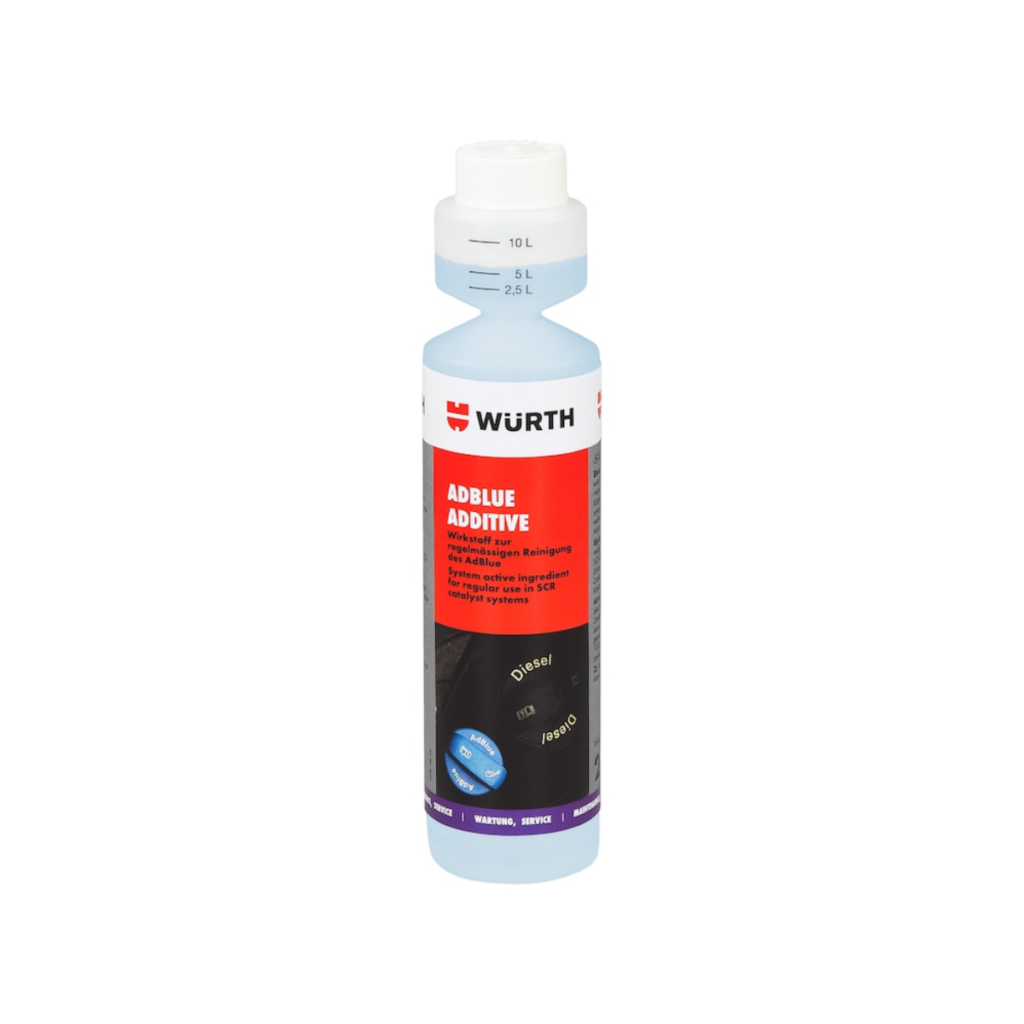
AdBlue is not a fuel additive and should never be poured into the fuel tank. It is a solution